Custom Payouts
Introduction
Besides the default Payout type and value set on offer level, custom payouts can also be applied for specific publishers.
Setup
- Navigate to Publishers overview page
- Select a publisher and go to Custom Payouts TAB
- Click +Create button
- Select the Event from the drop down menu
- Select Payout Type and insert the desired value
- Click Save
Publisher Custom Payouts Overview
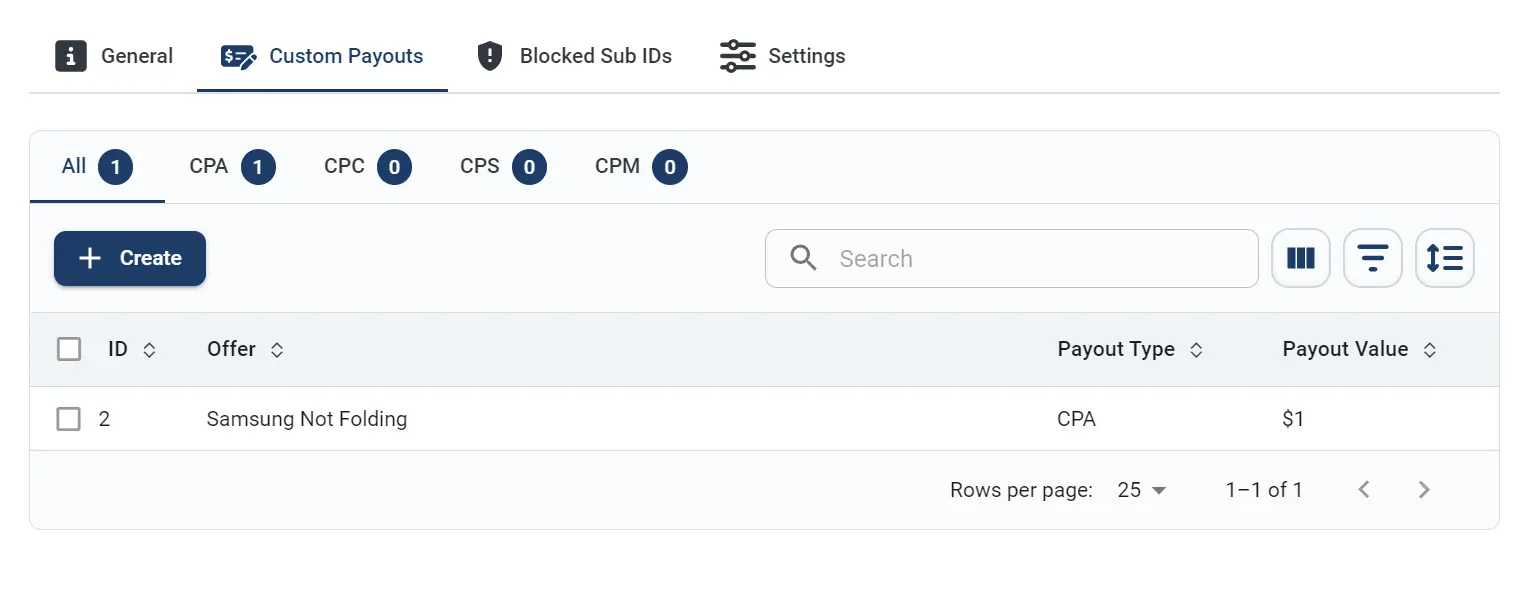
The custom payout created will be applied for the selected offer conversion and/or event.